
 Operators Guide



Configure campaigns for Viant DSP
Viant DSP is a demand-side platform (DSP) that enables programmatic advertising campaigns across display, video, connected TV (CTV), audio, and native channels. Viant uses household-level identity that is linked to real people and real households to deliver and measure advertising that reaches specific customers across devices and channels. Audience segments built in Viant DSP can target customers using hashed emails, phone numbers, IP addresses, mobile device IDs, or cookie IDs.
Use Amperity to build audience segments and send them to Viant DSP for use in programmatic advertising campaigns. Amperity syncs hashed identifier data, such as emails, phone numbers, IP addresses, mobile device IDs, or cookie IDs, to first-party audience segments in Viant DSP, where they become targetable in DSP campaigns.
Note
This destination uses the VDP Connect API .
Get details
Review the following details before configuring credentials for Viant DSP and before configuring Amperity to send audience segments to Viant DSP.

|
Credential settings Refresh token
|
|
|
Required destination settings Account ID
Advertiser ID
|
|
|
Required campaign settings Audience name
Identifier type
Audience primary key
|
|
|
A segment that returns an identifier column containing the identifier values to send to Viant DSP. The identifier type must match the Identifier type setting. Amperity normalizes and hashes identifier values automatically before sending them to Viant DSP. |
Configure credentials
Configure credentials for Viant DSP before adding a destination.
An individual with access to Viant DSP should use SnapPass to securely share “refresh token” details with the individual who configures Amperity.
To configure credentials for Viant DSP

|
From the Settings page, select the Credentials tab, and then click the Add credential button. |
|
In the Credentials settings dialog box, do the following: From the Plugin dropdown, select Viant DSP. Assign the credential a name and description that ensures other users of Amperity can recognize when to use this destination. |

|
The settings that are available for a credential vary by credential type. For the “viant-dsp” credential type, configure settings, and then click Save. Refresh token
|
Add destination
Use a sandbox to configure a destination for Viant DSP. Before promoting your changes, send a sample audience, and then verify the results in Viant DSP. After verifying the end-to-end workflow, push the destination from the sandbox to production.
To add a destination for Viant DSP
|
|
Open the Destinations page, select the New destinations button, and then select Campaign. 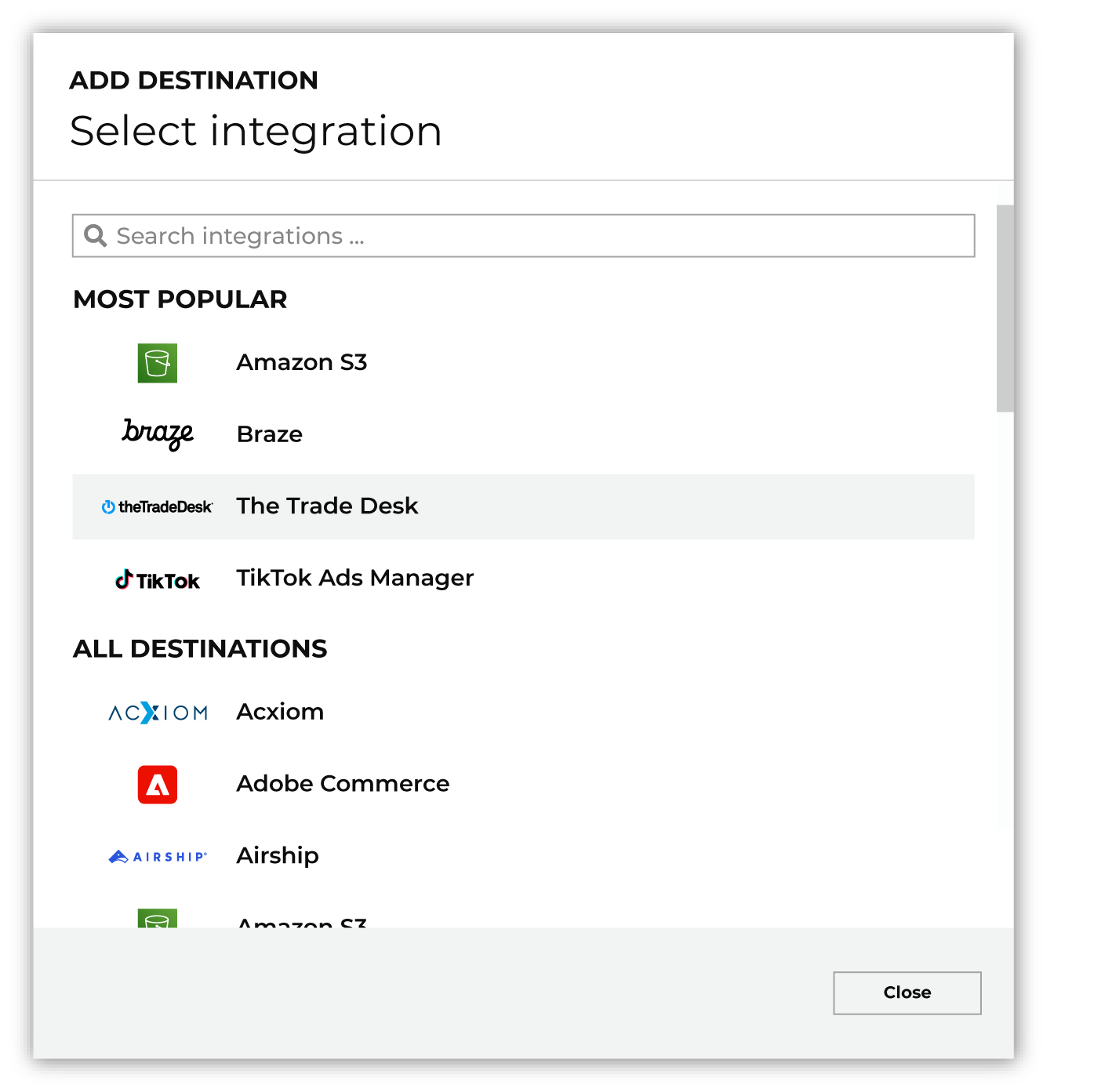
To configure a campaign for Viant DSP, do one of the following:
|
|
|
Select the credential for Viant DSP from the Credential dropdown, and then click Continue. Tip Amperity validates the connection when the destination is saved. If the connection cannot be validated, an error is shown and the destination is not saved. |
|
|
In the “Destination settings” dialog box, assign the destination a name and description that ensures other users of Amperity can recognize when to use this destination. Configure business user access By default a destination is available to all users who have permission to view personally identifiable information (PII). Enable the Admin only checkbox to restrict access to only users assigned to the Datagrid Operator and Datagrid Administrator policies. Enable the PII setting checkbox to allow limited access to PII for this destination. Use the Restrict PII access policy option to prevent users from viewing data marked as PII anywhere in Amperity and from sending data to downstream workflows. |

|
Configure the following settings, and then click “Save”. Account ID
Advertiser ID
Audience name (Required at campaign)
Identifier type (Required at campaign)
Audience primary key
Campaign file settings
|

|
After configuring this destination users may send campaigns to Viant DSP. |

|
Validate the audience with Viant DSP by using a sample audience with a very small membership. For example: 10 or 100 members or the minimum audience size recommended by Viant DSP. Send the sample audience to Viant DSP and verify the sample audience is correct in Viant DSP. Make adjustments if necessary. Only send full audiences after validation is complete. |