
 Operators Guide



Configure destinations for Insider One
Insider One is a growth management platform (GMP) for marketers. Personalize user experiences across web, app, web push, email, and SMS. Use advanced segmentation, behavioral insights, product recommendations and active communication widgets to boost customer engagement and conversions.
Amperity supports two pathways for sending data to Insider One:
Send first-party audience segments directly to Insider One using the First-Party Segment API.
Send user profile and events data to Insider One using Amperity Bridge for Snowflake, and then import the tables from Snowflake to Insider One.
Send audiences using the API
Send first-party audience segments directly to Insider One using the First-Party Segment API .
First-party audience segments group existing users into segments based on attribute values and are defined by a single user attribute. For example, a first name, an email address, a unique identifier, or the ID for the store a user most often shops at.
Caution
Insider One recommends that names of attributes be created in lowercase and without spaces. For example: email, first_name, or store_id. The name of the attribute sent from Amperity must match the name of an attribute defined in Insider One.
Insider One attributes also have data types so be sure to send attributes from Amperity that, in addition to being mapped to the correct attribute name in Insider One, also share a compatible data type.
After loading to Insider One, first-party audience segments are created on the First-Party Segment page under Saved Segments. All users in Insider One that match on that attribute belong to the first-party audience segment.
Note
Each unique first-party audience segment is a CSV file. Amperity updates first-party audience segments by downloading the CSV file from Insider One using the First-Party Segment API, updating the contents of the CSV file, and then uploading the CSV file to Insider One.
How this destination works
Amperity sends a single-column audience to Insider One, which processes the segment asynchronously, and then notifies Amperity when processing is complete.
A destination for Insider One works like this:

|
START WORKFLOW After the workflow starts, Amperity:
Note Amperity writes the audience to a single-column CSV file without a header row. Each row in the CSV file has a single value. The file is available to Insider One for up to 12 hours. Amperity generates a presigned download URL of the CSV file and submits the segment creation request to the Insider One First-Party Segment API. Amperity makes a POST /fps/v1/upload request to submit the segment to Insider One. The request includes:
Insider One First-Party Segment API applies rate limits of up to 100 requests per second. |

|
INSIDER ONE PROCESSES THE SEGMENT Insider One downloads the audience file from Amperity using the presigned URL, processes each identifier value, and then reports counts of valid and invalid values sent to Insider One by Amperity. Processing can take up to 1 hour to complete. |

|
END WORKFLOW The workflow ends when Insider One reports counts of valid and invalid values. |
Get details
Review the following details before configuring credentials for Insider One and before configuring Amperity to send audience segments to Insider One.

|
Credential settings Partner name
API token
|
|
|
Required configuration settings Segment name
Attribute name
|
|
|
A query or segment that outputs a single column whose name matches the value of the Attribute name field configured for this destination. |
Configure credentials
Configure credentials for Insider One before adding a destination.
An individual with access to Insider One should use SnapPass to securely share “partner name” and “API token” details with the individual who configures Amperity.
To configure credentials for Insider One
|
|
From the Settings page, select the Credentials tab, and then click the Add credential button. |
|
|
In the Create credential dialog box, do the following:
|
|
|
The settings that are available for a credential vary by credential type. For the “insiderone” credential type, configure settings, and then click Save. Partner name
API token
|
Add destination
Use a sandbox to configure a destination for Insider One. Before promoting your changes, send a sample audience, and then verify the results in Insider One. After verifying the end-to-end workflow, push the destination from the sandbox to production.
To add a destination for Insider One
|
|
Open the Destinations page, select the New destinations button, and then select Orchestration. 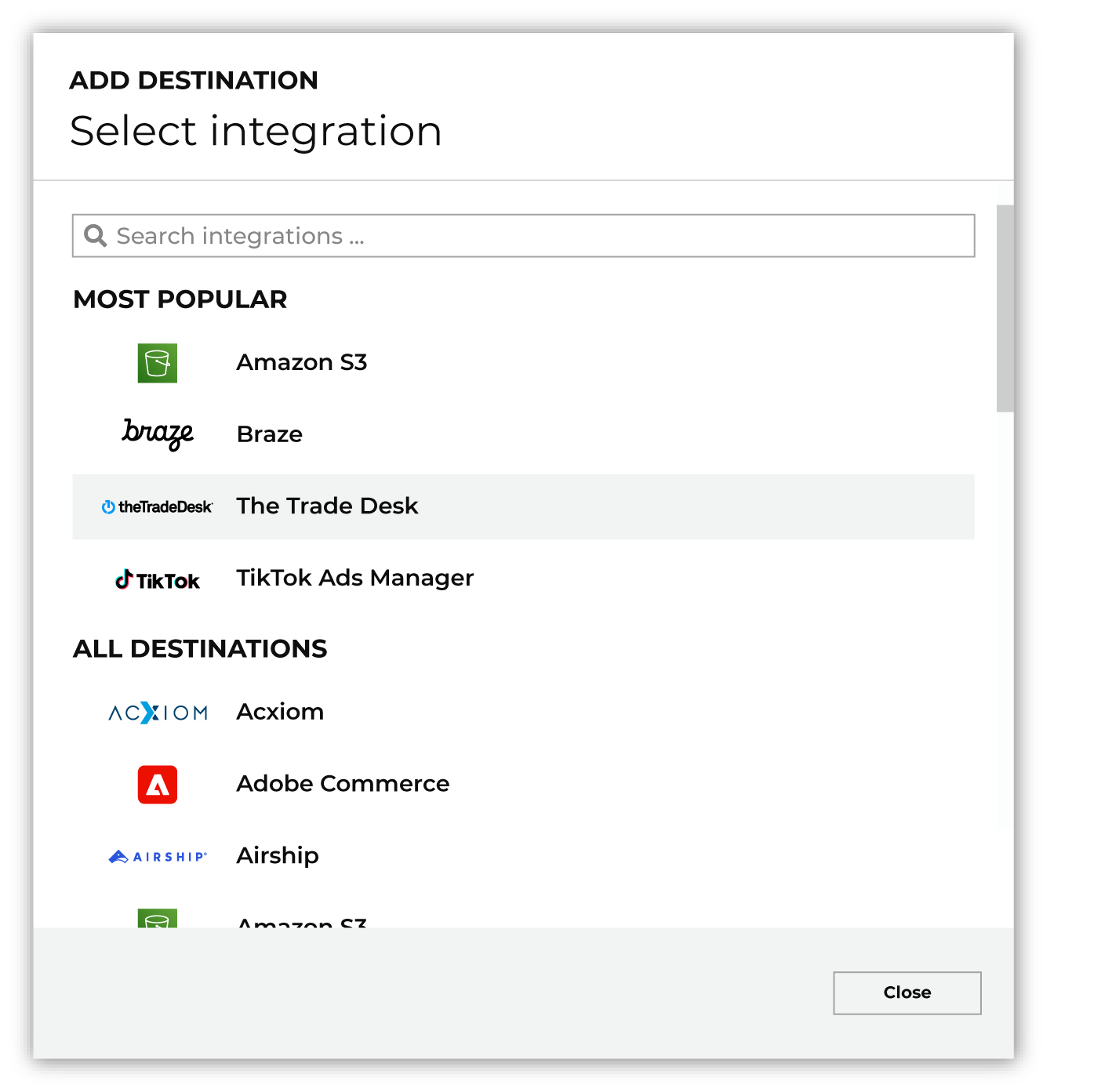
To configure a destination for Insider One, do one of the following:
|
|
|
Select the credential for Insider One from the Credential dropdown, and then click Continue. Tip Amperity validates the connection when the destination is saved. If the connection cannot be validated, an error is shown and the destination is not saved. |
|
|
In the “Destination settings” dialog box, assign the destination a name and description that ensures other users of Amperity can recognize when to use this destination. Configure business user access By default a destination is available to all users who have permission to view personally identifiable information (PII). Enable the Admin only checkbox to restrict access to only users assigned to the Datagrid Operator and Datagrid Administrator policies. Enable the PII setting checkbox to allow limited access to PII for this destination. Use the Restrict PII access policy option to prevent users from viewing data marked as PII anywhere in Amperity and from sending data to downstream workflows. |

|
Configure the following settings, and then click “Save”. Segment name
Attribute name
|

|
After configuring this destination users may use:
|

|
Validate the audience with Insider One by using a sample audience with a very small membership. For example: 10 or 100 members or the minimum audience size recommended by Insider One. Send the sample audience to Insider One and verify the sample audience is correct in Insider One. Make adjustments if necessary. Only send full audiences after validation is complete. |
Send data tables using Snowflake
Send user and events data to Insider One using Amperity Bridge for Snowflake, and then import the tables from Snowflake to Insider One.
To configure Amperity to send data tables to Insider One
|
|
Create tables for user and events data Configure user and events data tables in your customer 360 database. These tables can be built from standard output, such as the Unified Itemized Transactions, Transaction Attributes Extended, and Customer 360 tables or from custom tables built using Spark SQL. |
|
|
Configure Amperity Bridge for Snowflake Amperity Bridge for Snowflake is a first-class integration that uses secure Data Sharing to enable bi-directional data access between Amperity and Snowflake without copying data or scheduling ETL workloads. Configure Amperity Bridge for Snowflake to share user and events tables in Amperity with Snowflake. |
|
|
Sync user and events data with Snowflake You can configure Amperity to share any combination of schemas and tables that are available from the Customer 360 page. Use the Select tables dialog box in the bridge configuration for Snowflake to select any combination of user and events tables. 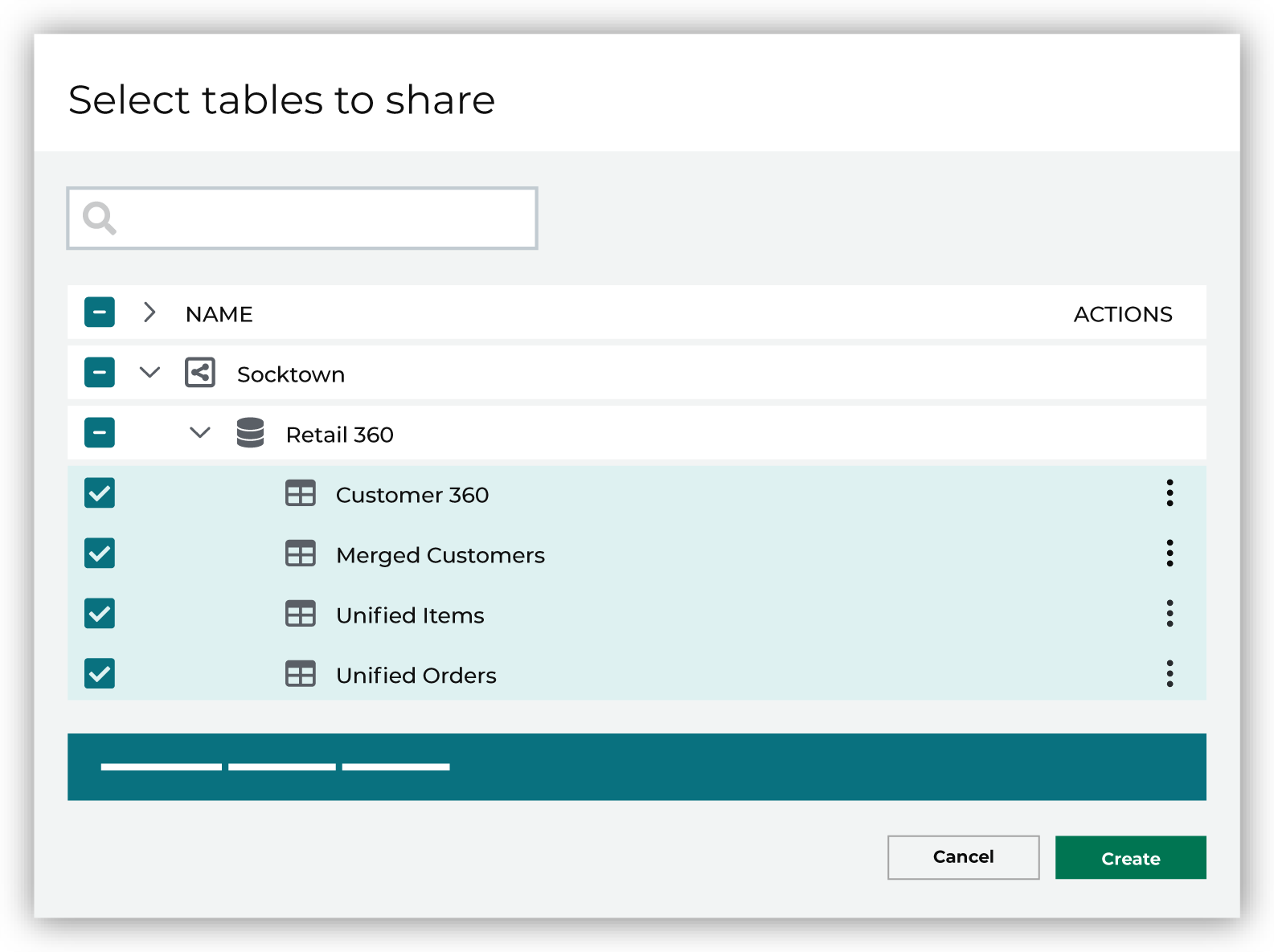
When finished, click Save. |
|
|
Share user and events data from your Snowflake account Share user and events data from your Snowflake account using the Snowflake integration in Insider One. |