
 Operators Guide



Configure destinations for Dynamic Yield Customer Profiles
Dynamic Yield helps companies build and test personalized, optimized, and synchronized digital customer experiences.
The Dynamic Yield Customer Profiles connector sends customer profile attributes from Amperity into a Dynamic Yield User Data feed, which keeps Dynamic Yield’s on-site personalization and recommendation engine current with unified customer profile data.
Each row in the query results is one customer profile. The column named by the CUID field setting is sent as the customer identifier; every other column is sent as a profile data field, using the column name and value as-is. Dynamic Yield requires every attribute to be sent on every update for a customer, so Amperity sends the complete query results on every run. There is no incremental sync.
By default the connector upserts profiles, adding new customers and updating existing ones. A destination can instead be configured to delete profiles, removing each customer in the query results from the feed. Each destination performs a single operation for the entire run, set by the Operation setting.
Note
This destination uses the Dynamic Yield User Data API .
Beta
The Dynamic Yield Customer Profiles connector is currently in beta. Contact your Amperity representative to learn more.
Note
The feed and its schema must already exist in Dynamic Yield. An account admin creates and activates the feed’s schema in the Dynamic Yield console (Assets > Data Feeds) before Amperity can send data to it. Amperity sends data to a feed, but cannot create a feed or its schema.
Get details
Review the following details before configuring credentials for Dynamic Yield and before configuring Amperity to send customer profile attributes to a Dynamic Yield User Data feed.

|
Credential settings API Key
|
|
|
Required configuration settings Feed key
CUID field
CUID type
|
|
|
Optional configuration settings Data center
Operation
|
Configure credentials
Configure credentials for Dynamic Yield before adding a destination.
An individual with access to Dynamic Yield should use SnapPass to securely share “API Key” details with the individual who configures Amperity.
To configure credentials for Dynamic Yield Customer Profiles

|
From the Settings page, select the Credentials tab, and then click the Add credential button. |

|
In the Credentials settings dialog box, do the following: From the Plugin dropdown, select Dynamic Yield. Assign the credential a name and description that ensures other users of Amperity can recognize when to use this destination. |

|
The settings that are available for a credential vary by credential type. For the “dynamic-yield-customer-profiles” credential type, configure settings, and then click Save. API Key
|
Add destination
Use a sandbox to configure a destination for Dynamic Yield. Before promoting your changes, send a sample audience, and then verify the results in Dynamic Yield. After verifying the end-to-end workflow, push the destination from the sandbox to production.
To add a destination for Dynamic Yield Customer Profiles
|
|
Open the Destinations page, select the New destinations button, and then select Orchestration. 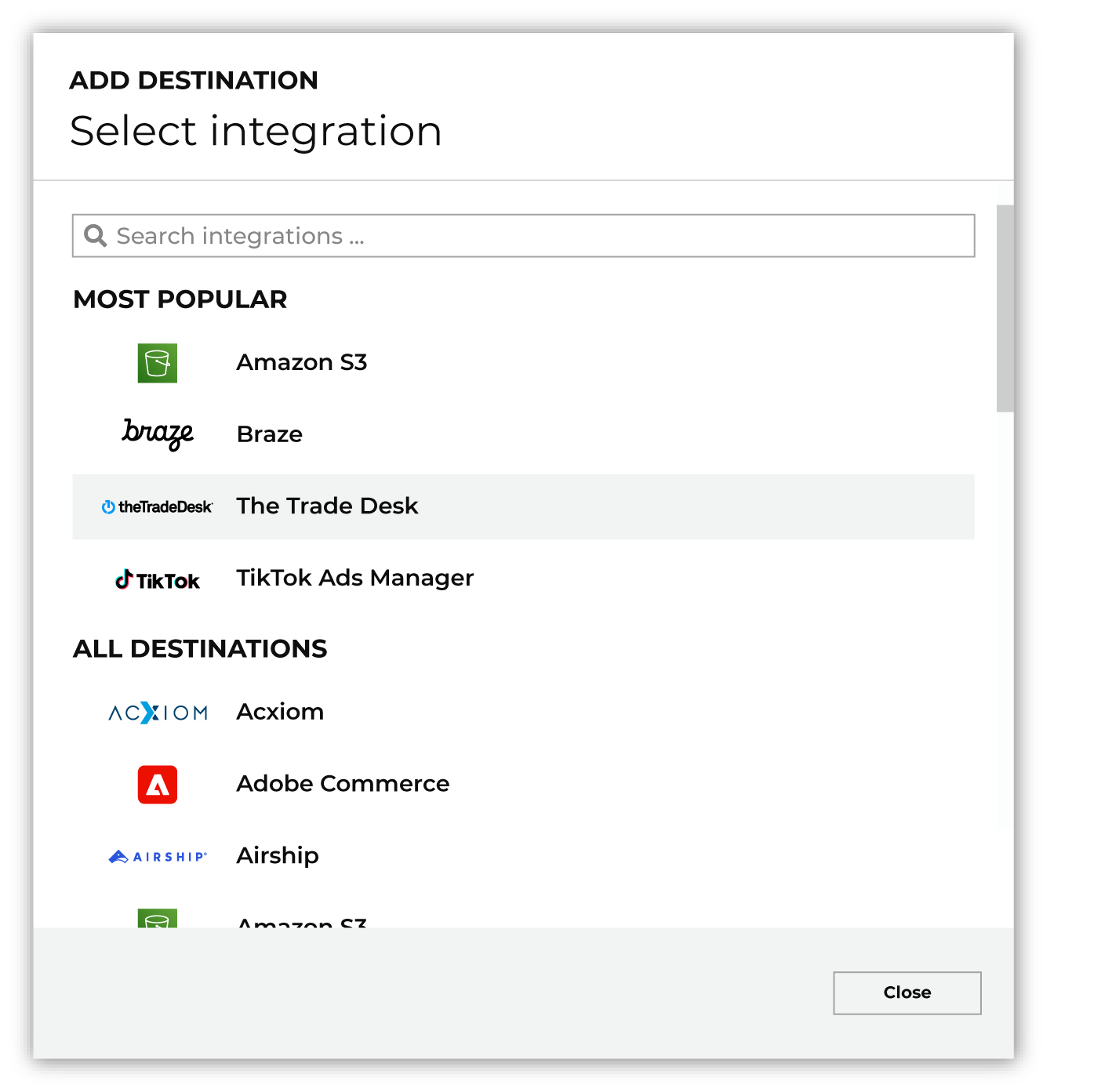
To configure a destination for Dynamic Yield, do one of the following:
|
|
|
Select the credential for Dynamic Yield from the Credential dropdown, and then click Continue. Tip Amperity validates the connection when the destination is saved. If the connection cannot be validated, an error is shown and the destination is not saved. |
|
|
In the “Destination settings” dialog box, assign the destination a name and description that ensures other users of Amperity can recognize when to use this destination. Configure business user access By default a destination is available to all users who have permission to view personally identifiable information (PII). Enable the Admin only checkbox to restrict access to only users assigned to the Datagrid Operator and Datagrid Administrator policies. Enable the PII setting checkbox to allow limited access to PII for this destination. Use the Restrict PII access policy option to prevent users from viewing data marked as PII anywhere in Amperity and from sending data to downstream workflows. |

|
Configure the following settings, and then click “Save”. Feed key
Data center
CUID field
CUID type
Operation
|

|
After configuring this destination users may use orchestrations to send query results Dynamic Yield. |

|
Validate the audience with Dynamic Yield by using a sample audience with a very small membership. For example: 10 or 100 members or the minimum audience size recommended by Dynamic Yield. Send the sample audience to Dynamic Yield and verify the sample audience is correct in Dynamic Yield. Make adjustments if necessary. Only send full audiences after validation is complete. |
Data validation
Amperity sends every row in the query results, except for rows it cannot build a valid request for. A row is skipped and reported as failed when any of the following is true:
The CUID field is empty for that row.
The CUID type is he (hashed email) but the value in the CUID field is not an email address (does not contain an “@”). The value is not hashed and the row is not sent.
The Operation is upsert and the row has no columns other than the CUID field, so there are no profile attributes to send.
Skipped rows are reported in the destination’s run details and do not stop the run. All other rows are sent.