
 Operators Guide



Configure destinations for Roku Audience
Roku Audience is a CTV (connected TV) advertising platform that enables brands to target custom audiences through Roku Ads Manager. Send first-party customer data to Roku for household-based ad targeting across Roku streaming devices.
You can configure Amperity to send an audience of SHA-256 hashed email addresses to Roku Audience using the Roku Ads API. Amperity automatically applies SHA-256 hashing to email addresses before sending them; plaintext email never leaves Amperity. You can also include phone number, mobile advertiser ID (MAID), and IP address, which are sent as-is to improve the household match rate. Rows that contain none of these identifiers are skipped and counted as failed.
Each sync uploads the entire audience to Roku Audience as a single file and creates a new Roku audience from it. Roku Audience does not support updating or deleting an existing audience, so each sync must use a unique list name; re-running a sync with a name that already exists fails with a name conflict.
Roku Audience matches the uploaded file to households in the background, and a full match can take up to about an hour. Amperity reports the number of rows sent once Roku accepts the file. Validation failures, such as a malformed file or a record count below Roku’s minimum, surface during the sync. Roku requires roughly 1,000 or more matched households to build a usable audience.
Note
This destination uses the Roku Ads API .
Get details
Review the following details before configuring credentials for Roku Audience and before configuring Amperity to send audiences to Roku Audience.

|
Credential settings Refresh token
|
|
|
Required configuration settings Roku Ads account ID
List name (Required at orchestration)
|
|
|
A query that outputs the fields to send to Roku Audience. The email field is required as the primary match key; phone, maid (mobile advertiser ID), and ip are optional and improve the household match rate. |
Configure credentials
Configure credentials for Roku Audience before adding a destination.
An individual with access to Roku Audience should use SnapPass to securely share “refresh token” details with the individual who configures Amperity.
To configure credentials for Roku Audience

|
From the Settings page, select the Credentials tab, and then click the Add credential button. |
|
In the Create credential dialog box, do the following:
|

|
The settings that are available for a credential vary by credential type. For the “roku-audience” credential type, configure settings, and then click Save. Refresh token
|
Add destination
Use a sandbox to configure a destination for Roku Audience. Before promoting your changes, send a sample audience, and then verify the results in Roku Audience. After verifying the end-to-end workflow, push the destination from the sandbox to production.
To add a destination for Roku Audience
|
|
Open the Destinations page, select the New destinations button, and then select Orchestration. 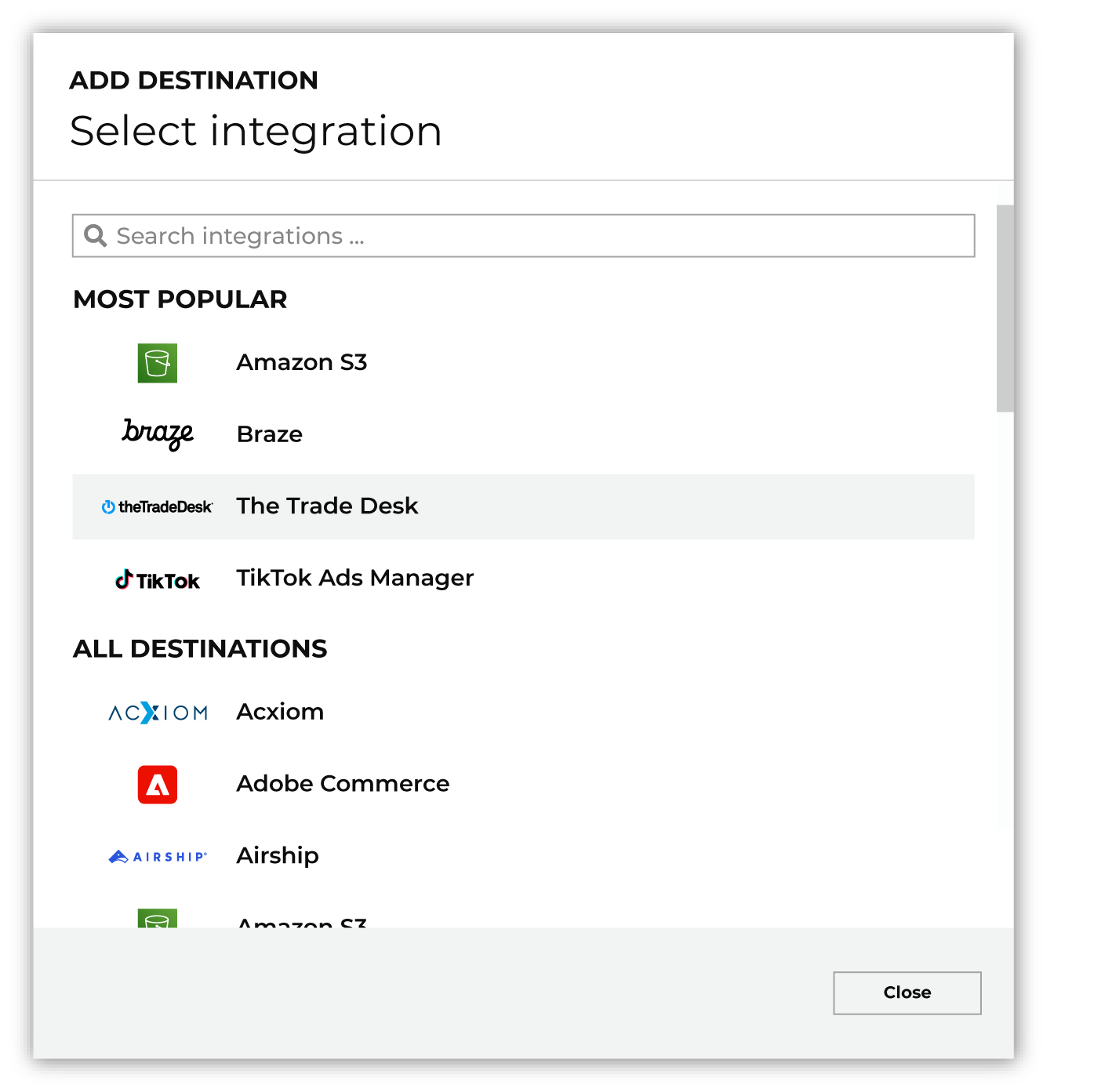
To configure a destination for Roku Audience, do one of the following:
|
|
|
Select the credential for Roku Audience from the Credential dropdown, and then click Continue. Tip Amperity validates the connection when the destination is saved. If the connection cannot be validated, an error is shown and the destination is not saved. |
|
|
In the “Destination settings” dialog box, assign the destination a name and description that ensures other users of Amperity can recognize when to use this destination. Configure business user access By default a destination is available to all users who have permission to view personally identifiable information (PII). Enable the Admin only checkbox to restrict access to only users assigned to the Datagrid Operator and Datagrid Administrator policies. Enable the PII setting checkbox to allow limited access to PII for this destination. Use the Restrict PII access policy option to prevent users from viewing data marked as PII anywhere in Amperity and from sending data to downstream workflows. |

|
Configure the following settings, and then click “Save”. Roku Ads account ID
List name (Required at orchestration)
|

|
After configuring this destination users may use:
|

|
Validate the audience with Roku Audience by using a sample audience with a very small membership. For example: 10 or 100 members or the minimum audience size recommended by Roku Audience. Send the sample audience to Roku Audience and verify the sample audience is correct in Roku Audience. Make adjustments if necessary. Only send full audiences after validation is complete. |